AI Chat (free — groq)
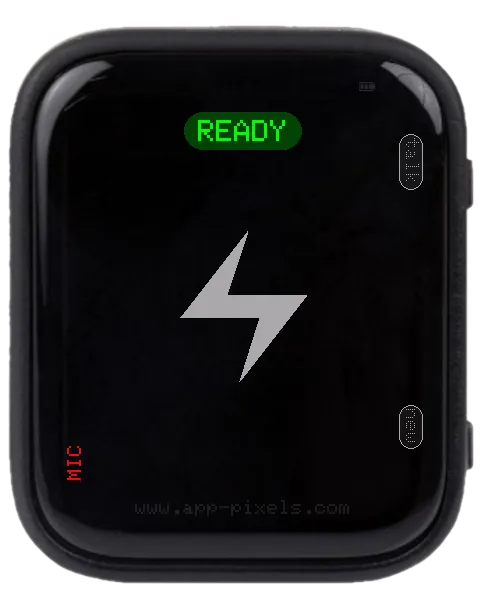
1 / 2
Hold BOOT to talk; release to get a written reply. Groq Whisper transcribes your voice, a fast open model writes the answer. Free Groq key, nothing else.
Controls
- Hold BOOT — speak
setup.txt keys
Mandatory
SSID/PASSWORD— WiFiGROQ_KEY— free key from console.groq.com/keys
Optional
LANGUAGE— Whisper language hint (e.g.de,en). Empty = auto-detect.SSID2/PASSWORD2,SSID3/PASSWORD3— WiFi fallbacksGROQ_MODEL— which model writes the answer. Defaultopenai/gpt-oss-20b.GROQ_STT_MODEL— which model transcribes. Defaultwhisper-large-v3-turbo.
Changing the model
Groq retires models from time to time. If the app answers with "LLM error: the model does not exist", set a current one from console.groq.com/docs/models:
openai/gpt-oss-20b— default, fastest, plenty for short answersopenai/gpt-oss-120b— smarter, still fastqwen/qwen3.6-27b— thinks before answering, so slower
No reflash needed — it is just a line in setup.txt.
Editing setup.txt
The device reads /setup/setup.txt from the SD card on boot. Download a working sample — covers every app — and edit the keys you need.
Don't want to eject the card? Use the USB Stick app (mounts the SD card as a USB drive over USB-C) or the Filehub app (edit over WiFi).
Supported Devices
Waveshare ESP32-S3 1.8" AMOLED Touch
Tags
#ai#wifi#audio