Filehub
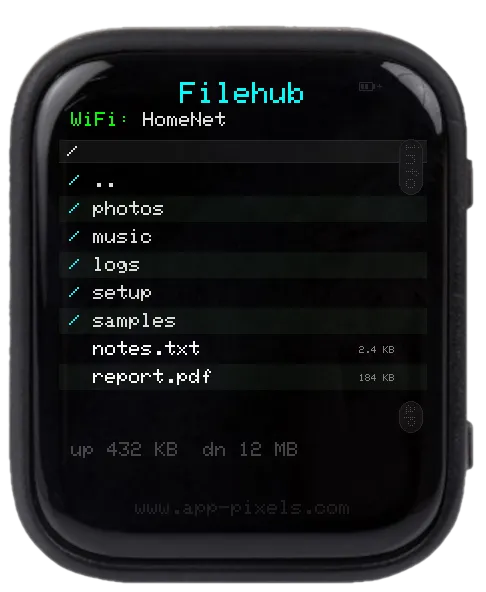
A three-mode SD-card file server.
- WiFi mode — joins your home WiFi and serves a WebDAV endpoint plus a small browser upload/download UI. Connect from any device on the same network.
- Hotspot mode — broadcasts its own access point. Same WebDAV + browser UI, but no router needed — useful on the go.
- USB mode — plug in over USB-C and the SD card mounts as a regular USB drive (same role as the USB Stick app).
WebDAV and the browser UI can be password-protected.
Controls
- BOOT — cycle WiFi / Hotspot / USB
- Touch the on-screen URL — copy to clipboard
setup.txt keys
Mandatory (depending on mode)
- WiFi mode:
SSID/PASSWORD - Hotspot mode:
AP_SSID/AP_PASS(password min 8 chars)
Optional
WEBDAV_USER/WEBDAV_PASS— basic-auth for WebDAV. Comment out for open access.HTTP_UPLOAD_DIR,HTTP_DOWNLOAD_DIR,HTTP_PORT— paths and port for the browser UI.
Editing setup.txt
The device reads /setup/setup.txt from the SD card on boot. Download a working sample — covers every app — and edit the keys you need.
Don't want to eject the card? Use the USB Stick app (mounts the SD card as a USB drive over USB-C) or the Filehub app (edit over WiFi).
Supported Devices
Waveshare ESP32-S3 1.8" AMOLED Touch
Tags
#tool#wifi